FULL
Memory Full Error
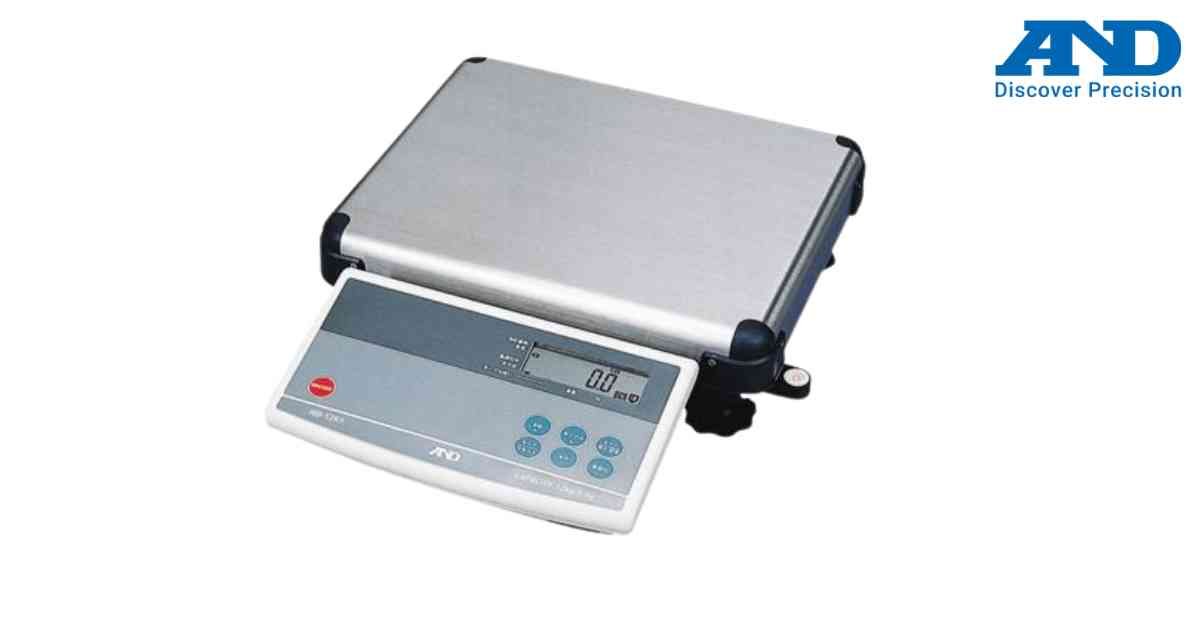
Internal memory has reached its maximum storage capacity.
Possible Causes
1.) Too many stored records
2.) Accumulation memory full
3.) User data exceeds limit
Solution
1.) Print or export stored data.
2.) Clear memory.
3.) Restart the scale.
4.) Resume operation.
Possible Causes
1.) Too many stored records
2.) Accumulation memory full
3.) User data exceeds limit
Solution
1.) Print or export stored data.
2.) Clear memory.
3.) Restart the scale.
4.) Resume operation.
Is your scale beyond repair?
Sometimes replacing an aging machine is more cost-effective than fixing it. Explore our wide range of new, high-precision weighing scales.