Err G
Gravity Compensation Error
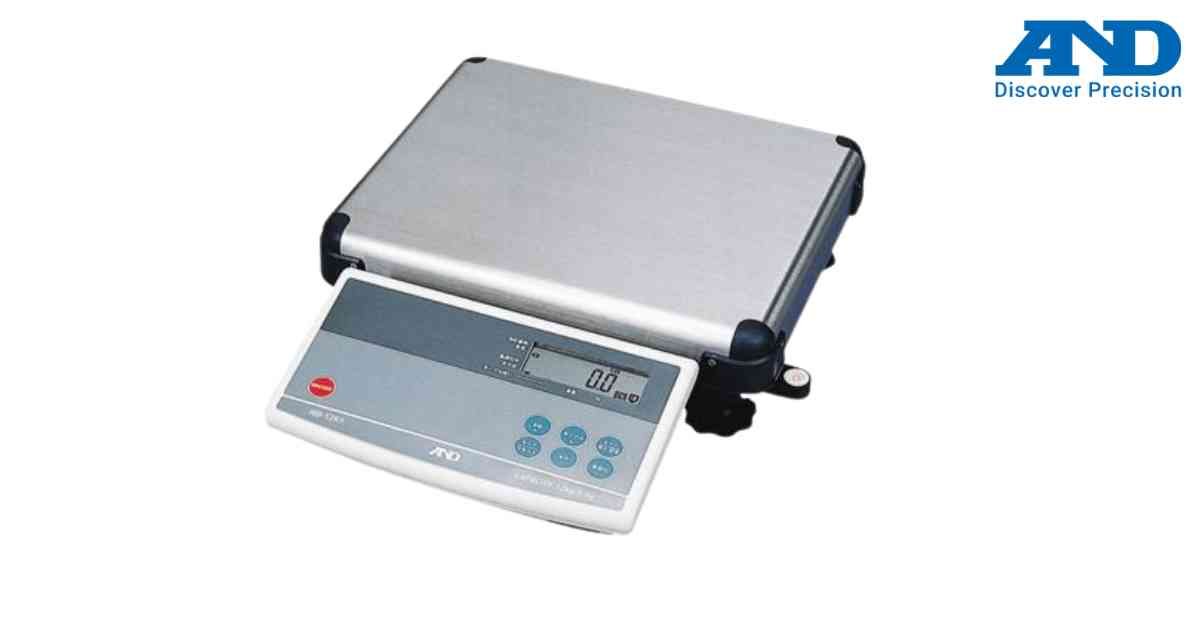
The entered gravity value is outside the acceptable operating range.
Possible Causes
1.) Invalid gravity value
2.) Incorrect local gravity setting
3.) Configuration mistake
Solution
1.) Enter gravity setup mode.
2.) Verify the local gravity value.
3.) Enter a valid value.
4.) Save settings and restart the scale.
Possible Causes
1.) Invalid gravity value
2.) Incorrect local gravity setting
3.) Configuration mistake
Solution
1.) Enter gravity setup mode.
2.) Verify the local gravity value.
3.) Enter a valid value.
4.) Save settings and restart the scale.
Is your scale beyond repair?
Sometimes replacing an aging machine is more cost-effective than fixing it. Explore our wide range of new, high-precision weighing scales.