E
Overload Error
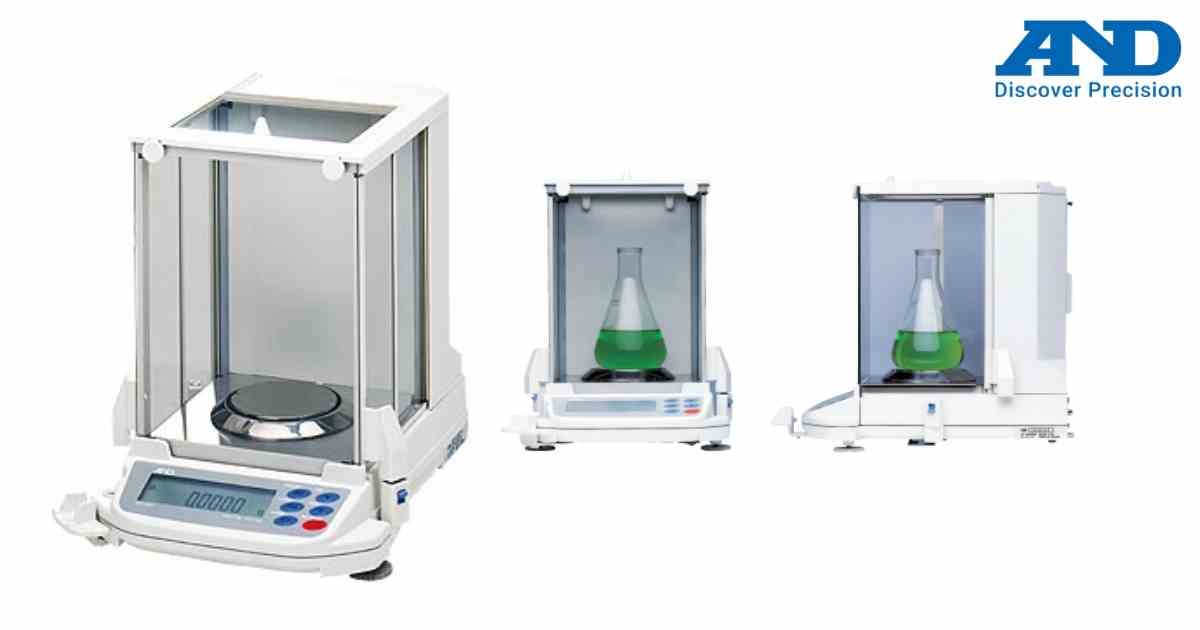
The display shows E when the applied load exceeds maximum capacity.
Possible Causes
• Excessive weight
• Mechanical obstruction
• Improper loading
Solution
1. Remove the load immediately.
2. Check weighing pan installation.
3. Restart the balance.
4. Verify zero indication before use.
Repeated overload conditions should be avoided.
Possible Causes
• Excessive weight
• Mechanical obstruction
• Improper loading
Solution
1. Remove the load immediately.
2. Check weighing pan installation.
3. Restart the balance.
4. Verify zero indication before use.
Repeated overload conditions should be avoided.
Is your scale beyond repair?
Sometimes replacing an aging machine is more cost-effective than fixing it. Explore our wide range of new, high-precision weighing scales.