OVERLOAD
Maximum Capacity Exceeded
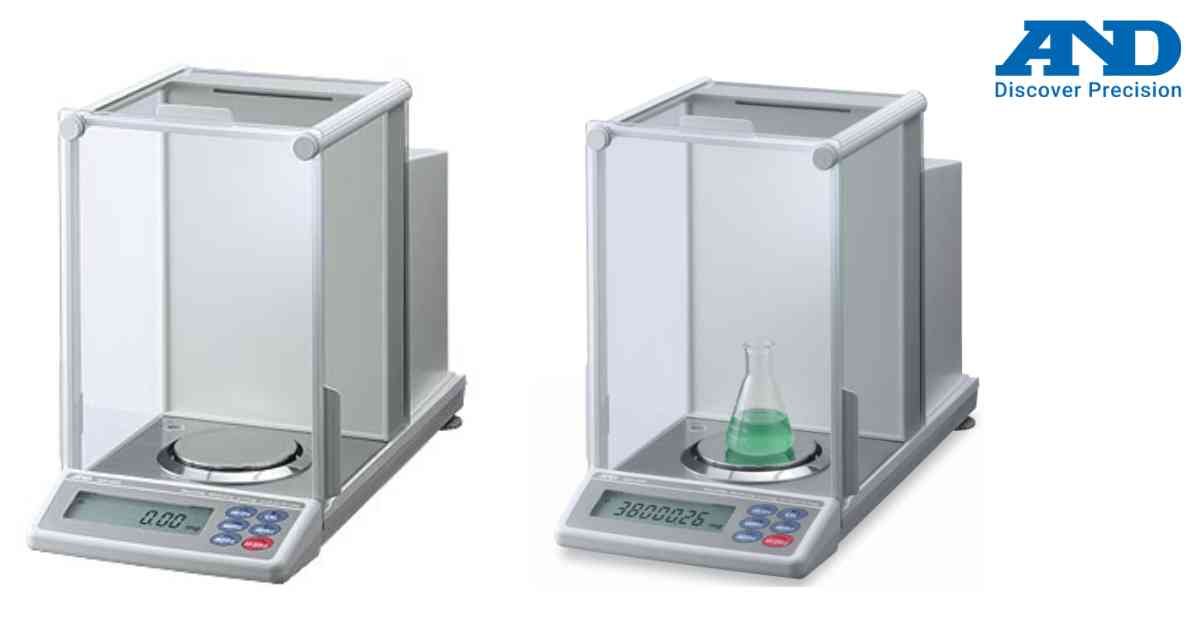
OVERLOAD appears when the applied weight exceeds the maximum weighing capacity.
Possible Causes
• Excessive sample weight
• Mechanical overload
• Foreign object under weighing pan
Troubleshooting
1. Remove excess weight immediately.
2. Inspect the weighing pan.
3. Restart the balance.
4. Verify normal zero indication.
Preventing overload protects the precision weighing sensor from permanent damage.
Possible Causes
• Excessive sample weight
• Mechanical overload
• Foreign object under weighing pan
Troubleshooting
1. Remove excess weight immediately.
2. Inspect the weighing pan.
3. Restart the balance.
4. Verify normal zero indication.
Preventing overload protects the precision weighing sensor from permanent damage.
Is your scale beyond repair?
Sometimes replacing an aging machine is more cost-effective than fixing it. Explore our wide range of new, high-precision weighing scales.