LO
Sample Too Light
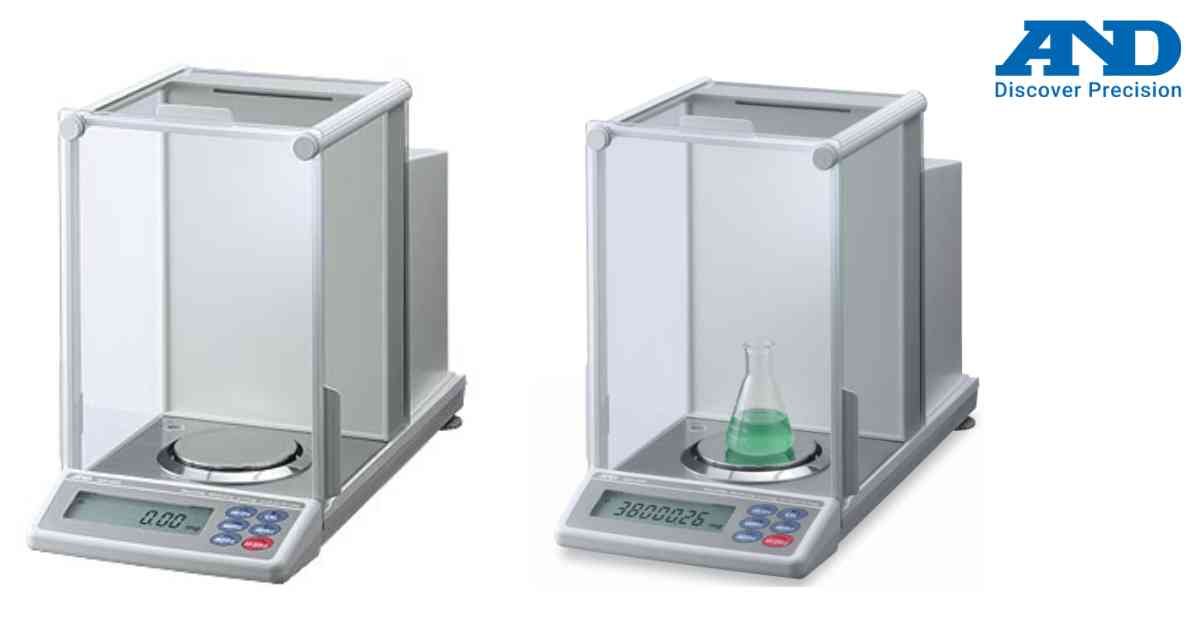
LO indicates that the sample weight is below the minimum required value for the selected function.
Possible Causes
• Sample too small
• Counting reference weight insufficient
• Percent reference weight too low
Troubleshooting
1. Increase sample quantity.
2. Use a heavier reference sample.
3. Verify weighing mode.
4. Check balance sensitivity.
The LO message disappears once a valid reference weight is detected.
Possible Causes
• Sample too small
• Counting reference weight insufficient
• Percent reference weight too low
Troubleshooting
1. Increase sample quantity.
2. Use a heavier reference sample.
3. Verify weighing mode.
4. Check balance sensitivity.
The LO message disappears once a valid reference weight is detected.
Is your scale beyond repair?
Sometimes replacing an aging machine is more cost-effective than fixing it. Explore our wide range of new, high-precision weighing scales.